Chapter 3
Online Safety and Privacy
Creating Strong Passwords:
A strong password includes a mix of upper and lower case letters, numbers, and special characters.
Tip: Avoid using easily guessed information like your name or birthdate. Instead, use a random combination of words or a password manager to generate secure passwords.
Visual Example: How to Create a Strong Password.
Using Two-Factor Authentication (2FA):
Two-factor authentication adds an extra layer of security by requiring both a password and a verification code sent to your phone.
Tip: Enable 2FA on all important accounts, like email, banking, and social media, for added protection.
Visual Example: How to Set Up Two-Factor Authentication.
Recognizing Safe Websites:
When browsing the internet, make sure the website starts with https instead of http. The "s" means the site is secure.
Tip: Look for a padlock icon next to the URL in your browser's address bar. This indicates the website uses encryption to protect your data.
Visual Example: How to Check if a Website is Secure.
Avoiding Public Wi-Fi for Sensitive Activities:
Public Wi-Fi networks are often unsecure, making it easier for hackers to access your data. Avoid accessing sensitive accounts like email or banking when on public Wi-Fi.
Tip: If you must use public Wi-Fi, consider using a Virtual Private Network (VPN) to protect your data.
Visual Example: How to Use a VPN on Public Wi-Fi.
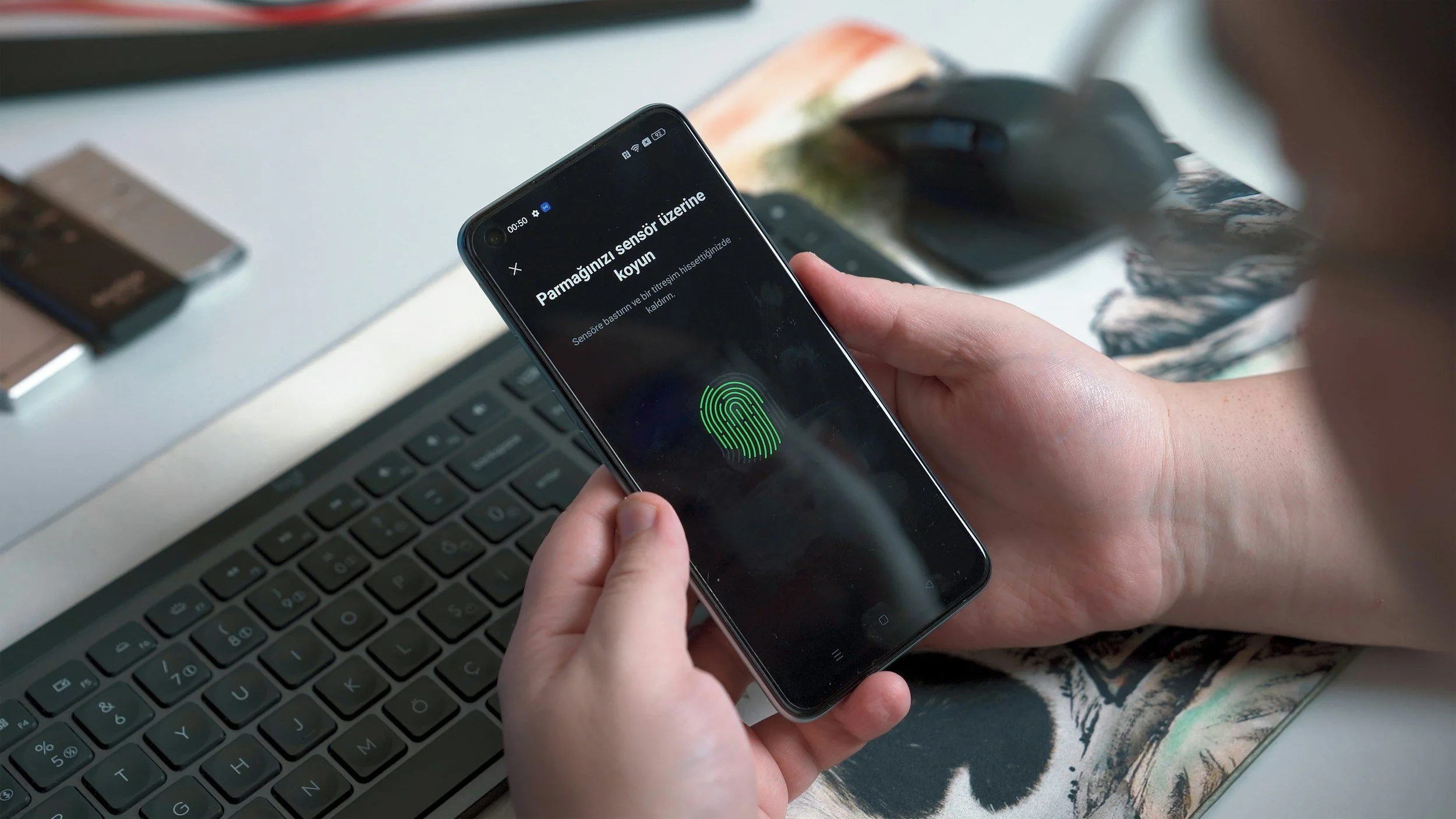
SIDE BOX: What to Do When You Think Your Account Has Been Hacked
Scenario: You suspect one of your online accounts has been compromised.
Solution:
Immediately change the password on the affected account.
Enable two-factor authentication if it’s available.
Check for any unfamiliar activity, such as emails you didn’t send or purchases you didn’t make, and report them to the account provider.
Consider using a password manager to keep your new passwords secure.
-
Choose your Companion. They are all free.
ChatGPT - Sign up Here https://openai.com/ OR direct: https://chatgpt.com/
Gemini (Google) - If you are a Google user, you can sync with that account. https://gemini.google.com/app
Meta (Facebook) - If you are a Facebook user, you can sync with that account (but you don't have to!) https://www.meta.ai/